

What is Meevee?

Try Meevee Free

14-day free trial. Cancel anytime.

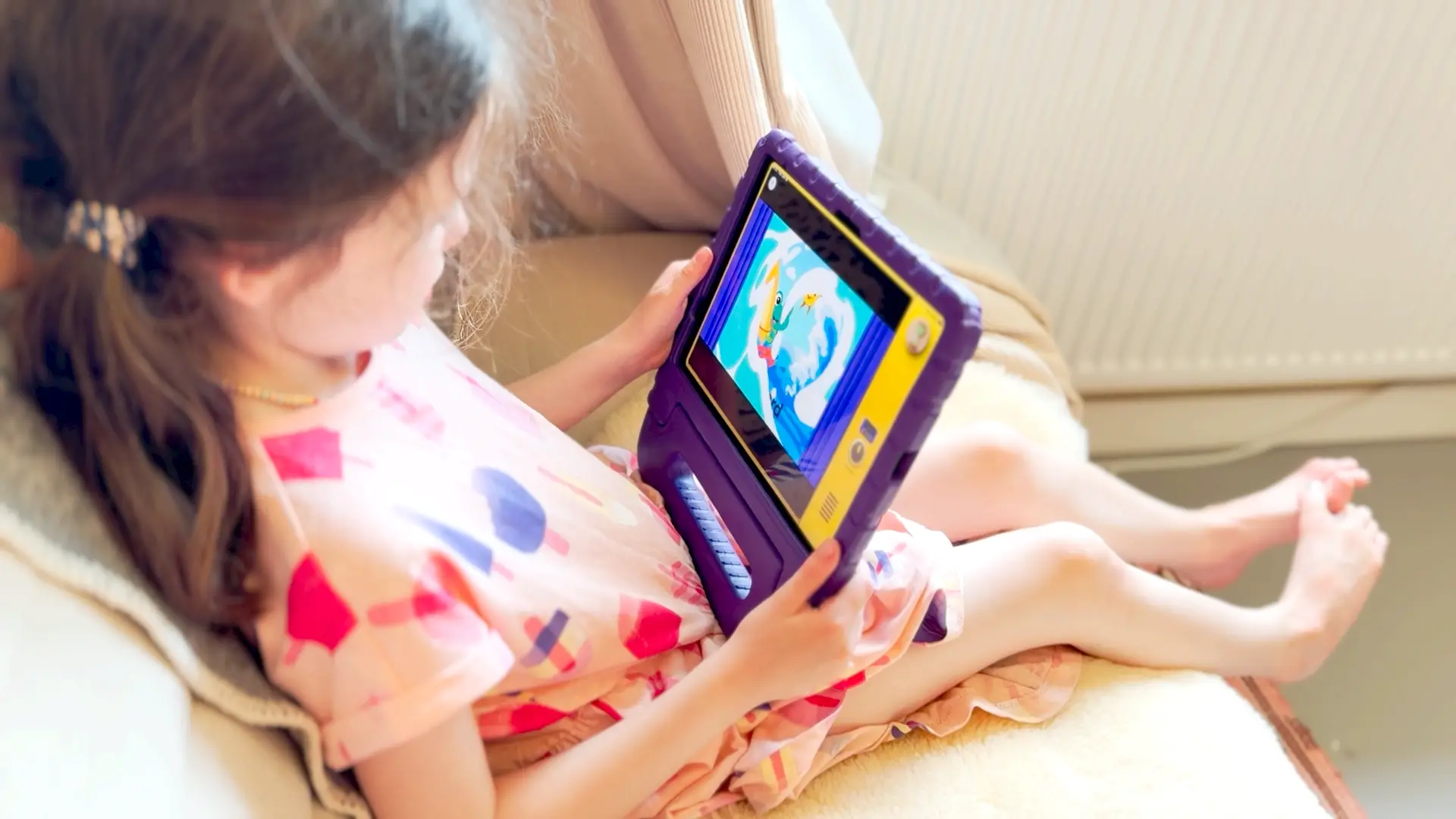
A child watching a claymation Meevee story on a tablet in bed

Less but better screen time.

We know the feeling. You said “one more episode” an hour ago.

What if the screen was the one that said no more, not you?
That's what we built.

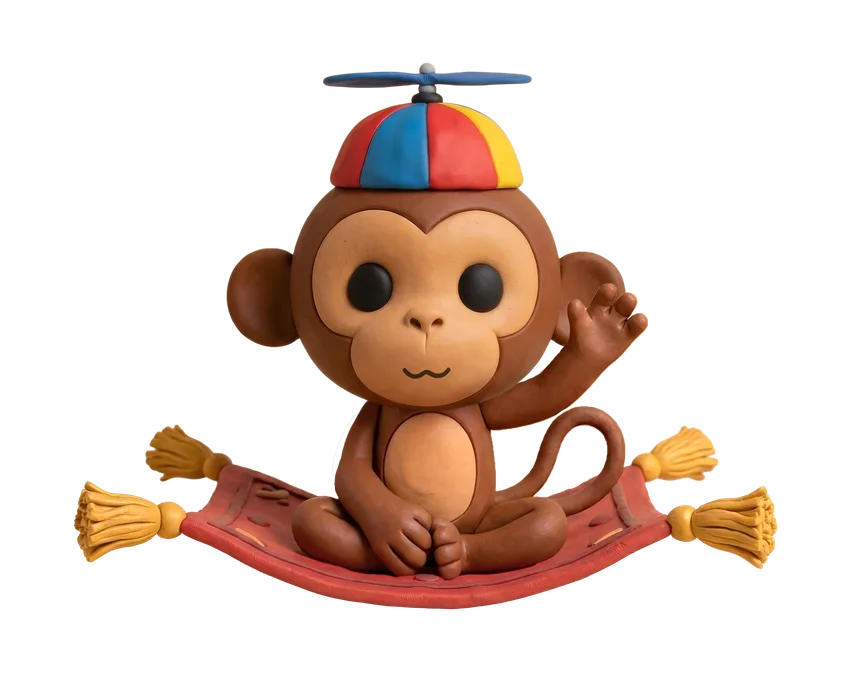
Screen time for 2 to 6 year olds, built around endings. Every session has a beginning, a middle, and a proper goodbye. Mookee guides your child from start to finish, so there's nothing to scroll and no endless feed to get lost in. When it's over, it's over. The app locks itself, and only a grown-up can open it again.

Set it up once. We'll handle the rest.

If you're after less but better screen time, try Meevee.

Made for kids.
Guided by you.

Getting started is as easy as

1 2 3
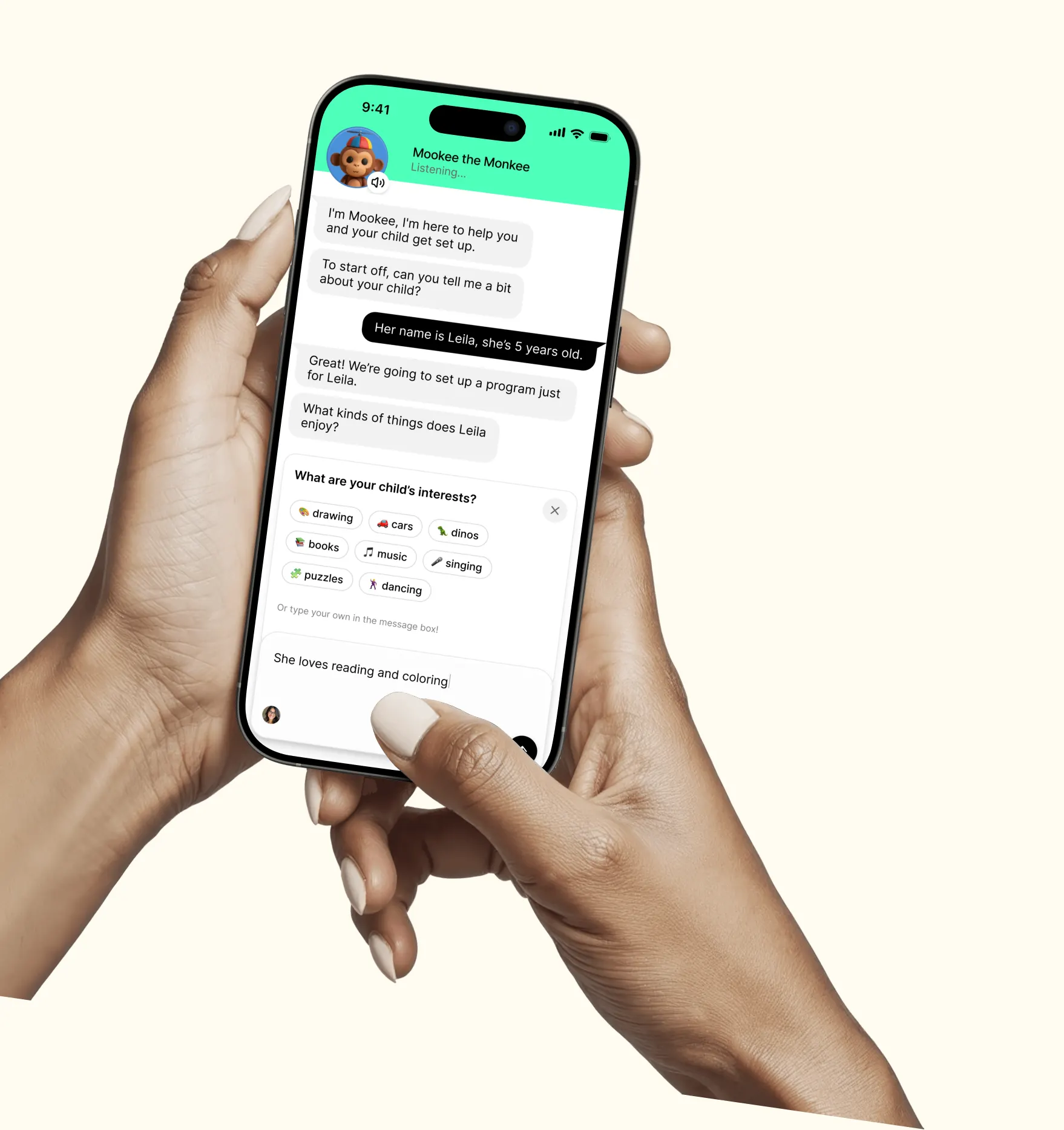
A parent setting up a Meevee session with Mookee on their phone

Great! I'll tell Leila it's time for spaghetti when her session's over 🍝!

Step 1

Setting up starts with talking to a monkey.

Mookee walks you through it. Tell him a bit about your child, what they're into, how old they are, any languages they speak at home and he takes it from there. No forms to dig through, no settings menu to figure out. A few minutes, and Meevee is set up the way your family needs it.

When it's time to watch, just tell Mookee how long today's session should be and the activity you want to do together after, and he builds it around that, picking stories that fit the time you've given.

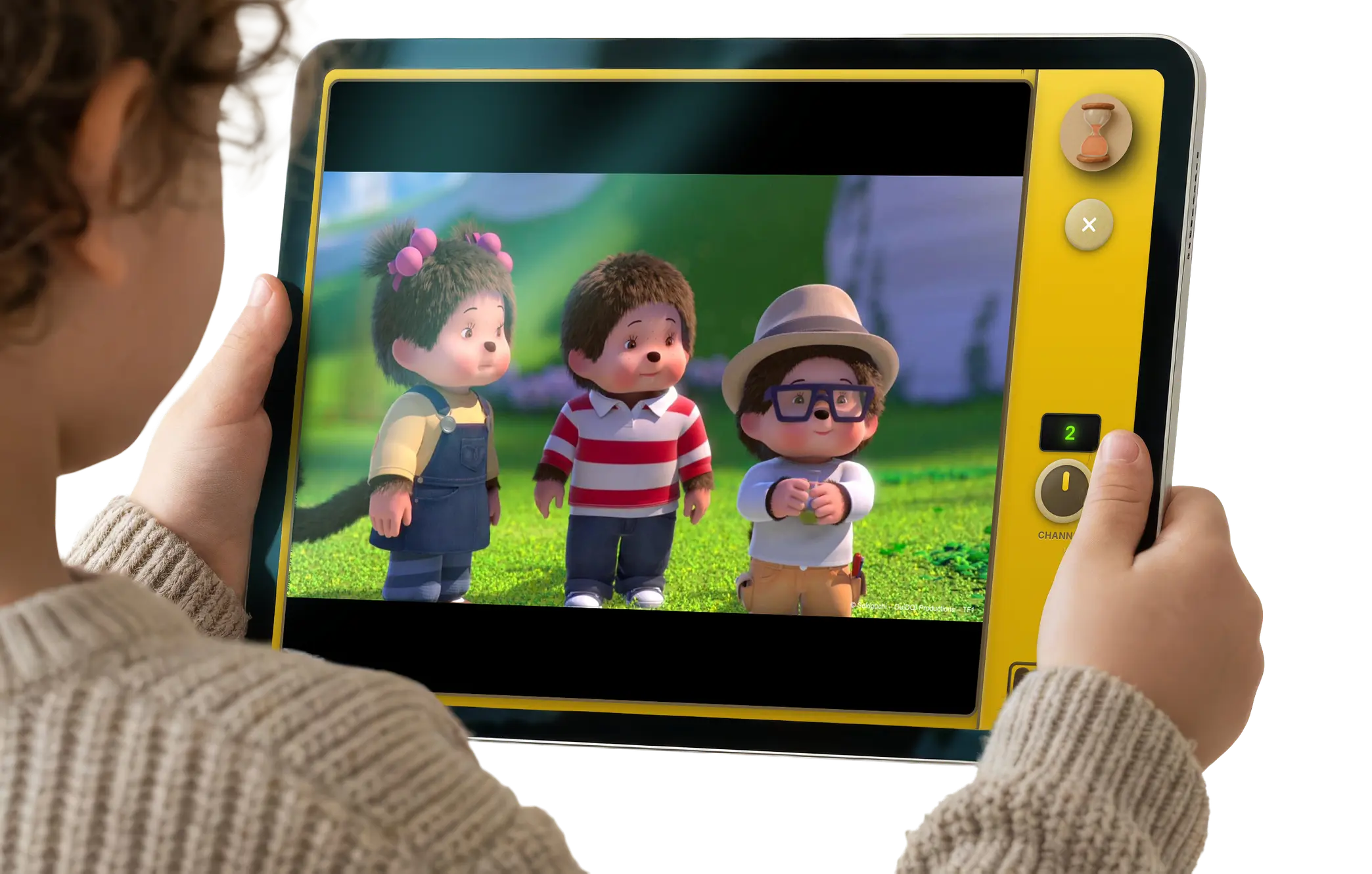
A child holding a tablet showing a Meevee story

Hey Leila, I'm feeling tired and ready for bed and it's time for you to have spaghetti 🍝

Step 2

Personalized sessions.
The ending is built in.

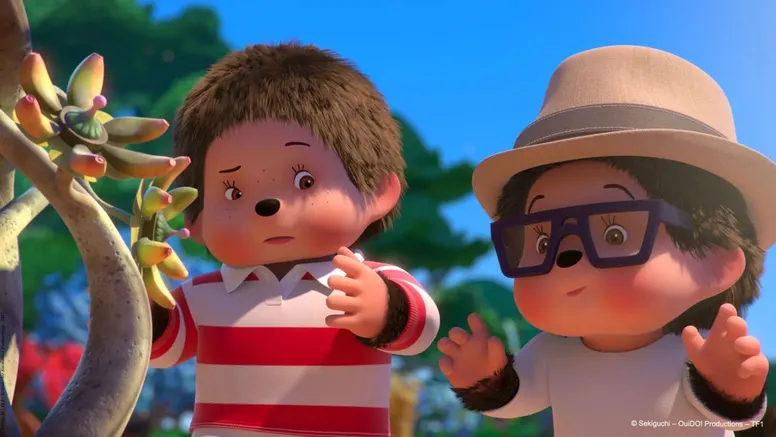
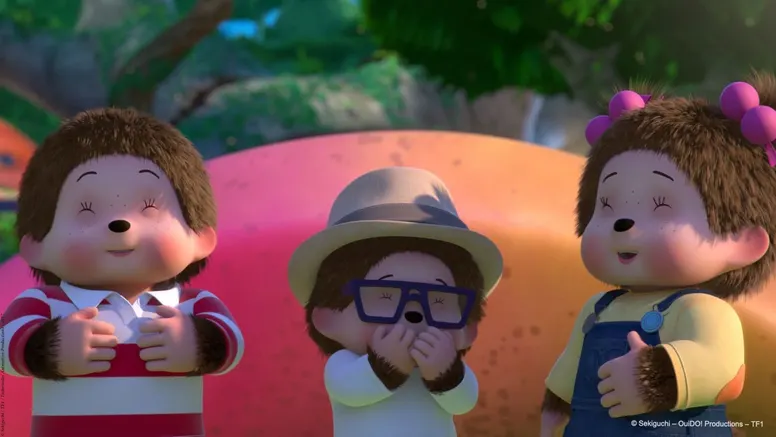
Once a session is set up, start it on any device, phone, tablet, or TV. Each one is a mix of videos and gentle games chosen for your child, hosted by Mookee, who speaks English, Spanish, and Dutch. Content is currently in English, with Spanish and Dutch coming soon. Our first collection includes Thomas & Friends, Pingu, Bob the Builder, Fireman Sam, and Kipper, alongside Baby Einstein, Monchhichi, and Danny Joe's Tree House. Familiar names, picked with intention, never handed over as an endless feed.

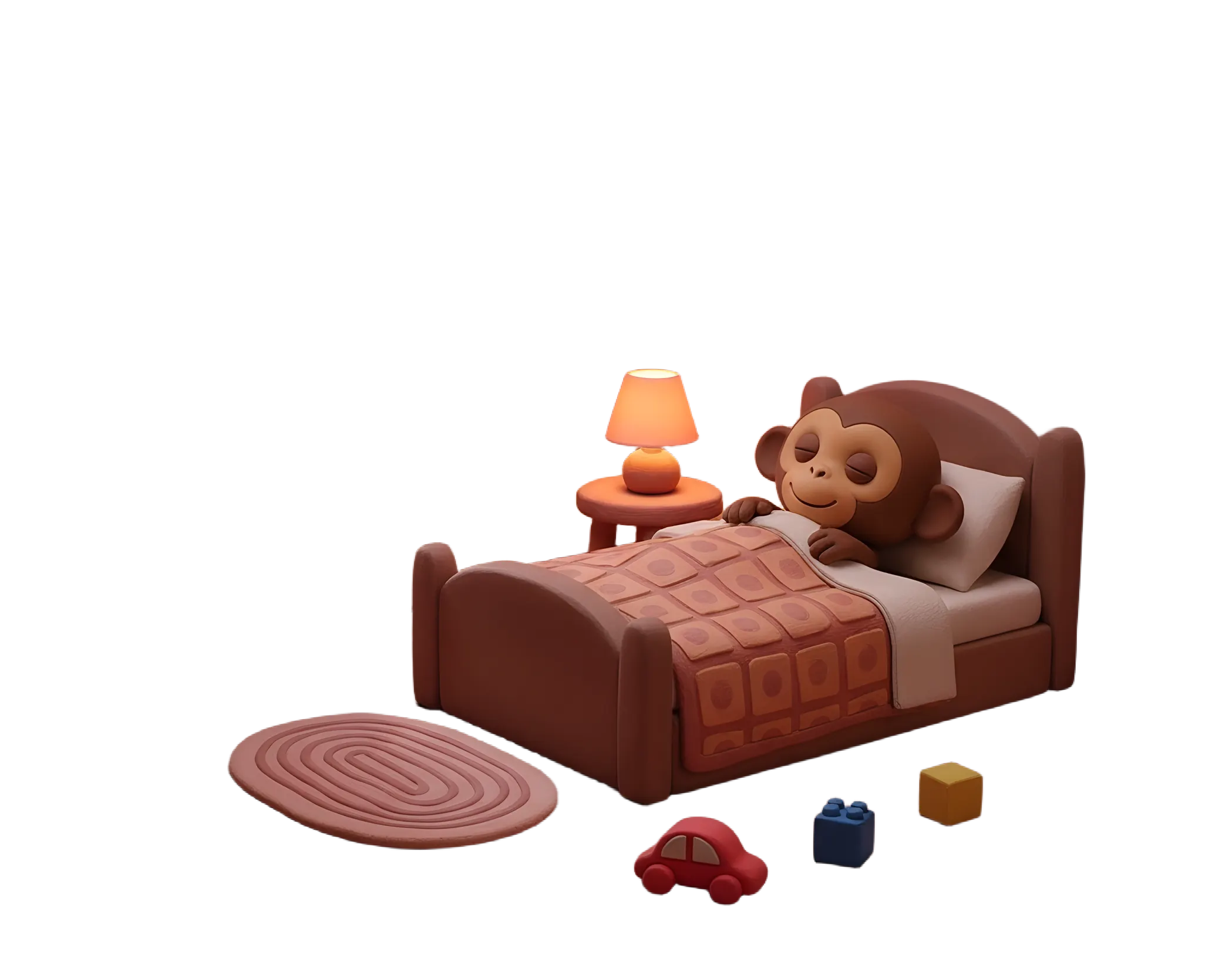
The session ends the way it started, with Mookee. He returns to tell your child what's next, based on the activity you suggested, then guides them through a proper goodbye: your child puts Mookee to bed. The app stays closed, and Mookee stays asleep, until you decide to open it again.

A parent reading a Meevee session recap on their phone

Leila watched friends solve a problem by being honest and learned that working together is better than trying to solve problems alone.

Try asking Leila what she learned about working together.

Step 3

Parents get closure. Kids go live their life.

Once the session ends, Mookee sends you a short summary, what your child watched, what they played, and a clear picture of how they spent their time.

Alongside it, a few suggestions for taking what happened on screen into life off screen: a related activity, a question to ask, a small way to keep the story going without another episode.

It's less a report card and more a handoff, so you're never wondering what actually happened during screen time, and you've got somewhere to take it next.

Less but better screen time

Download on the App Store Coming soon on Google Play Try on Web

14-day free trial. Cancel anytime.

Scan to download Meevee Scan me to download!